7 Ways An AI Meeting Agent Can Turn Meeting Notes Into Tasks Automatically
•
9
MIN READ
AI Summary by Fellow
Most AI meeting tools stop at the transcript. They capture what was said, surface a summary, and then leave the rest to you. Someone still has to review the notes, pull out the action items, draft the follow-up email, write the documentation, and book the next meeting. All of that work, the work that actually turns a conversation into progress, still falls on the team.
A new category of tools is changing that. AI agents that convert meeting notes to tasks, emails, documents, and calendar invites automatically, without anyone having to manually extract and rebuild what was already discussed out loud.
Fellow is built to be that agent.
Start your free trial and see how much of your post-meeting work disappears.
Here's exactly what an AI meeting agent does with your notes, and how Fellow handles each step.
What makes an AI meeting tool an agent?
An AI meeting agent is a tool that takes autonomous action based on meeting content. Where a basic notetaker gives you a transcript to work from, an agent generates the outputs your meeting was supposed to produce in the first place.
The practical difference is significant. Instead of reviewing notes and rebuilding deliverables from scratch, your team reviews and approves work the AI has already done. That shift, from creation to review, is where meeting productivity actually lives.
Fellow is the secure AI meeting assistant that captures conversations across Zoom, Google Meet, Microsoft Teams, in-person meetings, and Slack huddles, then turns them into searchable, actionable intelligence through Ask Fellow. Here's what that looks like in practice:
7 ways Fellow turns meeting notes into tasks and outputs
1. Extracting and assigning action items automatically
The foundation of any AI meeting agent is pulling action items directly from conversation.
When someone says "can you send me that report by Thursday?" or "let's have engineering review this before the next sprint," Fellow identifies the commitment, the owner, and the deadline without anyone logging it manually.
What sets Fellow apart is what happens to those action items next. They surface before your next meeting with the same attendees, so you open every recurring call already knowing what's outstanding.
You can also ask Ask Fellow to query across your meeting history: "What action items from last week are still open?" returns answers drawn from your actual calls, not a manual tracker.
This replaces the post-meeting ritual of re-reading notes and building a task list by hand, a process that's slow, inconsistent, and usually the first thing to slip on a busy day.
2. Writing follow-up emails without copy-pasting
Follow-up emails are one of the most consistently dropped meeting outputs. Not because people don't intend to send them, but because by the time the next meeting starts, the mental context from the previous one is gone.
Ask Fellow generates complete follow-up emails directly from the meeting. Key decisions, action items, and next steps go into a draft that's ready to review and send, not a template you have to fill in or a summary you have to reformat. You open it, make any edits, and send.
For customer-facing teams, this matters beyond convenience. A well-written follow-up sent 10 minutes after a call lands differently than a generic one sent the next morning. The speed and specificity signal attentiveness that's hard to fake when you're doing it manually across a full day of calls.
3. Creating documents, memos, and reports from meeting content
If the manual work of building documents from meeting notes sounds familiar, Fellow was built specifically to eliminate it.
Meetings contain the raw material for documentation that can take significant time to produce without AI. A product review call becomes release notes. A customer interview becomes a feedback report. A strategy session becomes a memo that's ready to share with stakeholders.
Ask Fellow supports a full range of document outputs generated directly from your meeting content:
Memos: Clear, professional memos ready to distribute
Pipeline reviews: Key deal updates and risks structured for leadership
Customer feedback summaries: Organized insights pulled from customer conversations
Knowledge base articles: Internal documentation from process or feature discussions
Help documentation: Support content generated from product walkthroughs
Weekly status reports: A complete update drawn from the week's meetings
Weekly recaps: A summary of your accomplishments across recent calls
Each of these represents work that previously required scrubbing through a recording, extracting relevant content, and writing from scratch. Ask Fellow compresses that entire process into a single prompt.
4. Catching you up when you join late
Joining a meeting five minutes late is awkward. Interrupting to ask for a recap makes it worse and slows the meeting down for everyone.
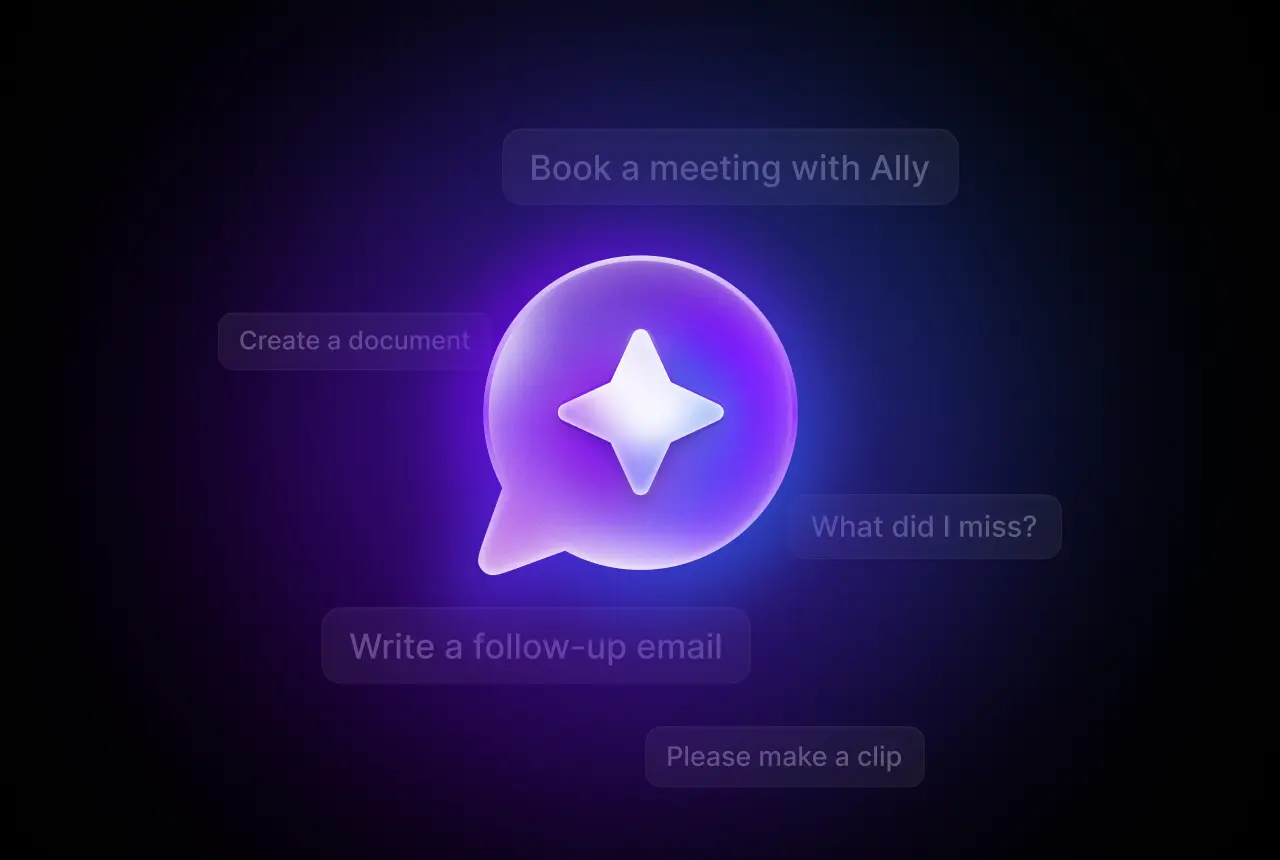
Ask Fellow's "What did I miss" capability gives you a real-time summary of what's been discussed since the meeting started. You walk in informed, contribute immediately, and the meeting doesn't have to pause for your benefit.
It's a small feature with a meaningful compounding effect. On a day of back-to-back meetings, every minute saved on catch-up is a minute the team spends on the work that actually needs doing.
5. Preparing you before meetings start
The same intelligence that generates outputs after a meeting works before one too. Ask Fellow surfaces outstanding action items from previous meetings with the same attendees, so you open every recurring call knowing exactly what's still open and what was promised last time.
It can also generate a draft agenda based on your meeting context and history. For recurring syncs, quarterly reviews, and ongoing client calls, this means prep that used to take 10 minutes of note-reviewing happens automatically.
This matters most on the days when there's no time for prep at all. When one call ends and the next starts immediately, Ask Fellow has already done the review.
6. Clipping the moments that matter
Sometimes the most valuable output from a meeting isn't a summary or a task list. It's a specific moment: a customer insight, a key decision, a product feedback clip worth sharing with the team.
Finding that moment in a 60-minute recording takes time most people don't have. Ask Fellow identifies and clips the most important shareable moments automatically. Instead of scrubbing through video, you get the highlights ready to share.
This is particularly useful for go-to-market teams capturing customer voice, product teams documenting user feedback, and leadership teams sharing decisions with people who weren't in the room.
7. Scheduling follow-up meetings
Closing the loop on a meeting often requires booking the next one. Finding mutual availability, sending a calendar invite, and making sure the right people are included is a small but consistent friction point that compounds across a week.
Ask Fellow handles this as a direct output of the current call. You can ask it to find a time that works for everyone and schedule a follow-up, and it will identify availability and get the invite on the calendar without you having to open a scheduling tool or send a "when works for you?" email chain.
Combined with Fellow's integrations across 50+ native apps and 8,000+ tools via Zapier and n8n, these outputs connect directly into the workflows your team already relies on. Meetings become triggers for action in the systems where work actually happens.
How Ask Fellow handles the full meeting lifecycle
Most tools treat meetings as isolated events. Fellow treats them as a continuous, searchable body of intelligence.
Ask Fellow works across the entire lifecycle of every meeting your team has:
Before the meeting: Outstanding action items from previous sessions, draft agendas, icebreakers to build rapport with new attendees.
During the meeting: Real-time catch-up for late joiners, counter-perspective generation for decisions being debated.
After the meeting: Follow-up emails, memos, pipeline reviews, customer feedback docs, knowledge base articles, weekly recaps, shareable clips, action item summaries, and follow-up meeting scheduling.
Every output is generated from meetings your team is already having. No extra steps, no new processes. And because Fellow supports botless recording, you get consistent intelligence whether you're on Zoom, running an in-person session, or chatting in a Slack huddle.
For enterprise teams, Fellow's security credentials matter as much as its capabilities. Fellow is SOC 2 Type II certified, HIPAA and GDPR compliant, and never trains on customer data. Privacy controls are set at the organizational level, with permission-based access aligned to roles. Your meeting intelligence stays yours.
Teams at Shopify, HubSpot, Vidyard, and Motive use Fellow to turn conversations into follow-through. See their stories.
Frequently asked questions
What is an AI agent for meeting notes?
An AI agent for meeting notes converts meeting conversations into structured outputs automatically: tasks with owners and due dates, follow-up emails, documents, calendar invites, and more. Unlike a basic AI notetaker that only transcribes or summarizes, an AI meeting agent takes action based on what was discussed, reducing post-meeting work from creation to review.
How does an AI agent convert meeting notes to tasks?
The agent analyzes the meeting transcript, identifying commitments, action items, owners, and deadlines mentioned in conversation. Fellow's Ask Fellow then organizes these by owner, surfaces them before the next relevant meeting, and lets you query outstanding tasks across all your past meetings using natural language.
Can an AI agent write follow-up emails from meeting notes?
Yes. Ask Fellow generates complete follow-up emails directly from meeting content, including key decisions, action items, and next steps. The draft is ready to review and send without reformatting or copy-pasting from a summary.
What kinds of documents can an AI agent create from a meeting?
Ask Fellow can generate memos, pipeline reviews, customer feedback summaries, knowledge base articles, help documentation, weekly status reports, weekly recaps, and meeting minutes directly from meeting content. Each output is generated from the actual conversation, not from a generic template.
Can Fellow record meetings without a bot joining the call?
Yes. Fellow supports botless recording for in-person meetings and Slack huddles in addition to Zoom, Google Meet, and Teams. This gives teams consistent meeting intelligence regardless of format, without the friction of a visible bot joining every call.
Is it secure to run sensitive meetings through an AI meeting agent?
Fellow is built for enterprise security requirements. SOC 2 Type II certified, HIPAA and GDPR compliant, and explicitly no training on customer data. Permission-based access controls ensure team members only see meetings they're authorized to access, making Fellow suitable for legal, finance, customer-facing, and executive meetings.
Your meetings already contain the answers
Every meeting your team has produces context, commitments, and decisions. Most of that intelligence disappears into individual transcript files or never gets captured at all. The work of converting it into follow-through falls on people who are already in their next meeting.
AI agents change that equation. When the follow-up email writes itself, the action items assign themselves, and the documentation drafts itself, meetings stop being a source of work and start being a source of progress.
Stop letting what was discussed stay separate from what gets done. Try Fellow free and start turning every conversation into action.
Record, transcribe and summarize every meeting with the only AI meeting assistant built with privacy and security in mind.